

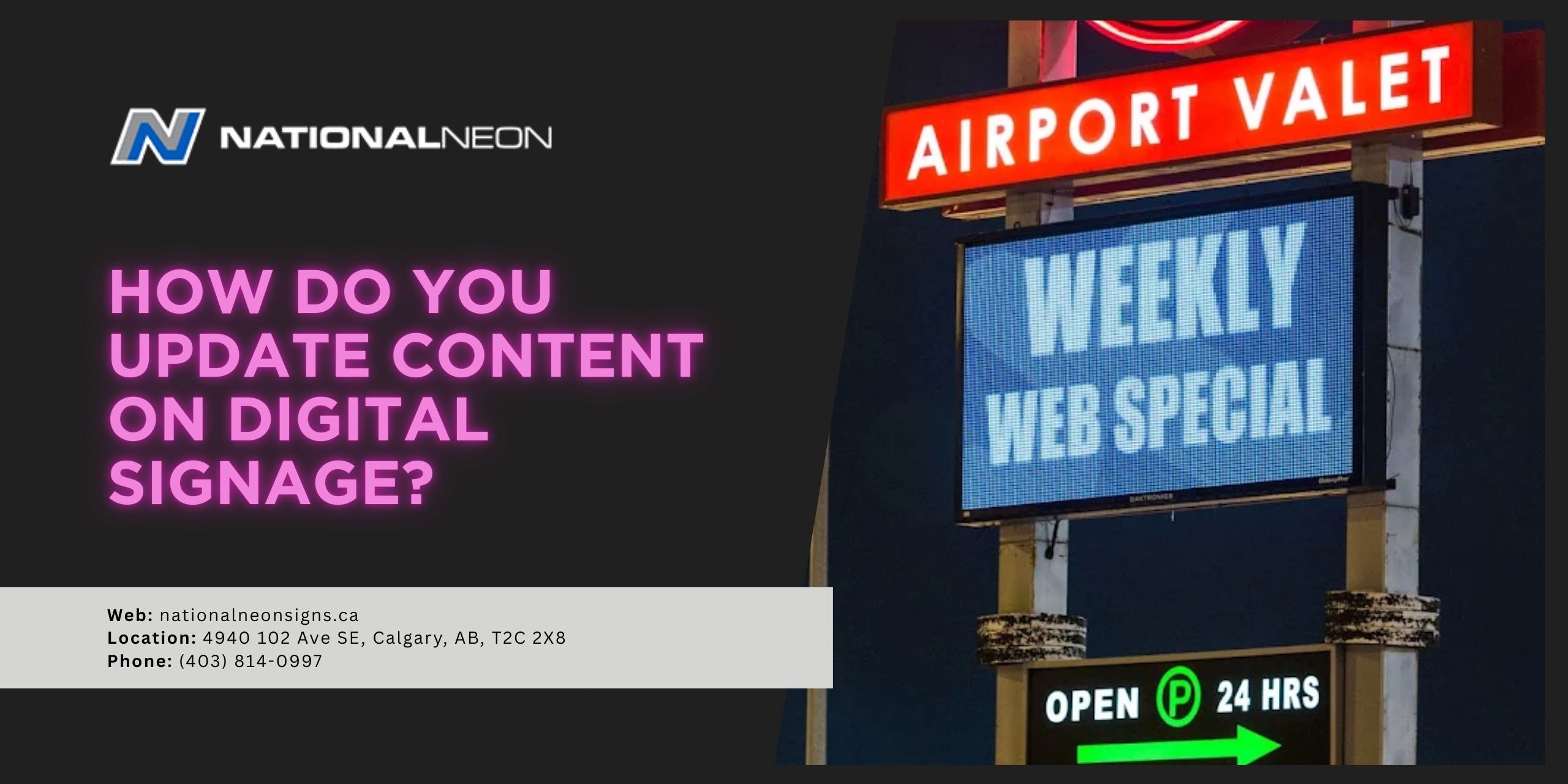
One of the biggest benefits of digital signage is the ability to update content, keeping your audience engaged with fresh, relevant information. Dynamic digital displays let businesses deliver messages in real time, perfect for current promotions, seasonal content, emergency notices, or other updates.
Learn what to update, how to deploy, and when to refresh. DIY works for small setups, but well-reputed Calgary sign makers are best for complex networks to maintain brand consistency, cut downtime, and prevent unexpected expenses.
How Do You Update Content on Digital Signage?
There are two main ways to update digital signage content: manually with a USB drive or remotely using a cloud-based content management system (CMS). Let’s examine each method in more detail:
Using a USB Drive
This method is ideal for standalone displays or small networks, but it requires a physical trip to each screen. It may not be practical for a large number of screens or for frequent, real-time changes.
Here are the steps for using a USB drive:
- Load Content: Copy your media files from a computer to a USB flash drive.
- Connect to Screen: Insert the USB drive into the compatible display or digital signage player, which is often done via a USB port on the device.
- Select and Play: Navigate the on-screen menu or a connected remote to select the files you want to display.
Using a Cloud-Based Content Management System
A cloud-based CMS is the most powerful method for managing content across multiple digital displays. It offers remote access, allowing for real-time updates, integration with other data sources (such as social media feeds), and scheduling content for different times of day or locations. You can log in from any web-enabled device, create or modify content, and select which screens to update.
Here are the steps for utilizing a CMS system:
- Log in to the CMS: Access your CMS dashboard through a web browser to manage your signage network.
- Upload Content: Upload your new images, videos, or other media directly to the CMS library. Many platforms also offer design tools and templates to create content directly within the system.
- Create and Organize Playlists: You can arrange your uploaded content into playlists, which are scheduled lineups of what will be shown on the screen. This allows you to control the order and frequency of your messages.
- Schedule Updates: Set up schedules for your playlists to play at specific times, days, or for specific events.
- Publish: Publish the changes to send the updated content to one or more screens in your network. The CMS will automatically push the update to your signage via an internet connection.
How Often Should I Update Content on Digital Signage?
You should update digital signage content regularly to keep it fresh and relevant. Ideal frequency depends on your audience, location, and content type. Some situations require daily updates, others weekly or seasonal updates. Many digital signage platforms allow you to schedule updates automatically, making it easier to manage frequent changes and ensure a consistent flow of new information.
Here are a few factors to consider:
- Audience: Consider your audience’s demographics and behaviour. Content that resonates with a morning crowd may differ from what engages an evening audience.
- Location: A high-traffic location might necessitate more frequent updates to stay relevant and to keep content fresh and engaging.
- Content Type: Time-sensitive information, like news, weather, or daily specials, requires daily (or more frequent) updates, while less time-sensitive content, like product features or company newsletters, may only require monthly updates. Some content can be refreshed weekly to avoid “banner blindness” and plan for seasonal promotions and events to stay relevant during holidays or specific times of the year.
Consistently updated content shows your business is active and attentive. By regularly changing your content, you can keep your audience engaged and improve the overall customer experience.
Virtually any business can benefit from digital signage. Find out how easy it is to manage your digital content from Canada’s premier sign company! For more information, contact us today at National Neon Signs.
